Stay in the loop!
Get the latest industry insights delivered straight to your inbox
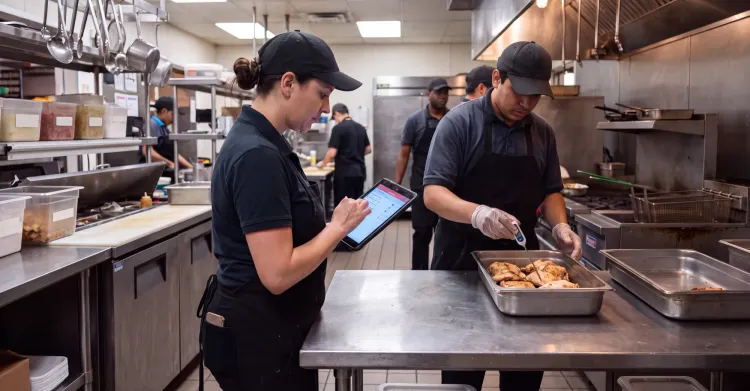
Kitchen teams can now start food labels from the prep table, the line or the grab-and-go case instead of walking back to a fixed terminal. Every supported phone and tablet can share every printer on the location’s Wi-Fi, so each label goes to the printer that fits the task.

Stephen Crump
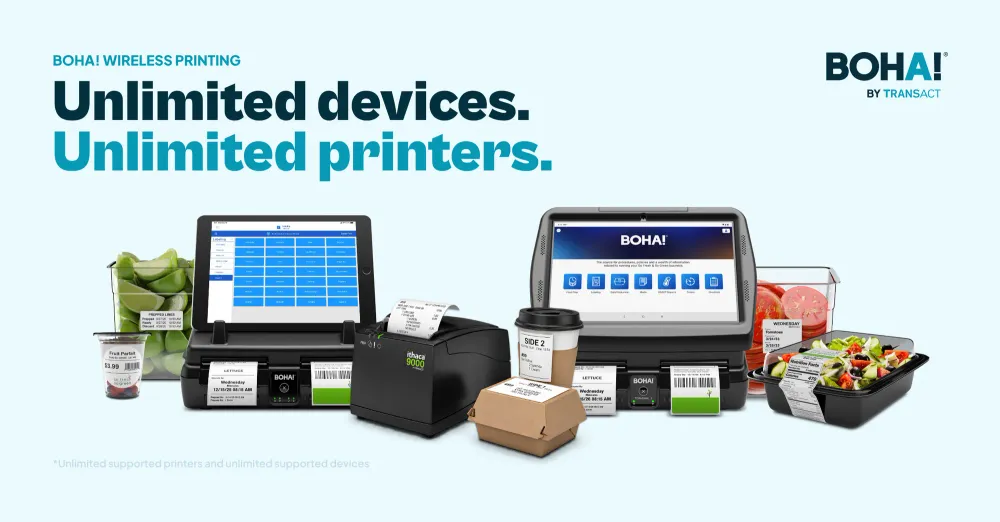
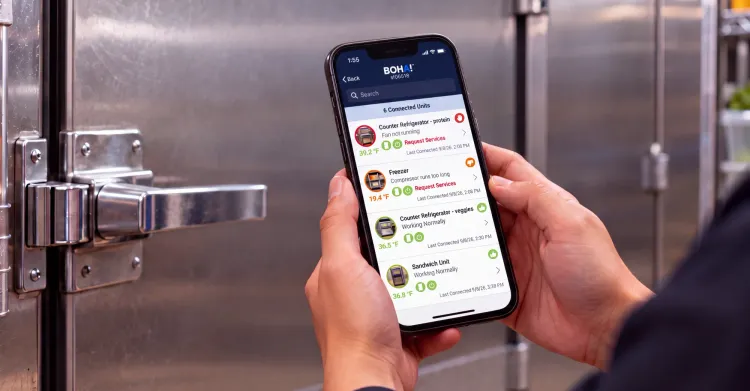
BOHA! Ops already puts labeling, timers, operational checklists and temperature checks on supported phones and tablets, so employees can follow a prep instruction or log a temperature from wherever they're working. Printing a label was the step that most often sent them back to a fixed station, where they had to remember every detail of the batch they’d just made. Wireless printing closes that gap, so the whole workflow can happen where the food is.
Mobile-enabled BOHA! keeps teams focused on food and guests instead of moving between equipment. For operators running dozens or hundreds of locations, it also makes it easier to hold every kitchen to the same operational standards, because every team follows the same steps on the device in their hand.
Most back-of-house technology was built around a fixed station. The screen and the printer sit in one place, and every task that touches them starts there. That's easy to train around, and it's also the source of a lot of small detours during a shift.
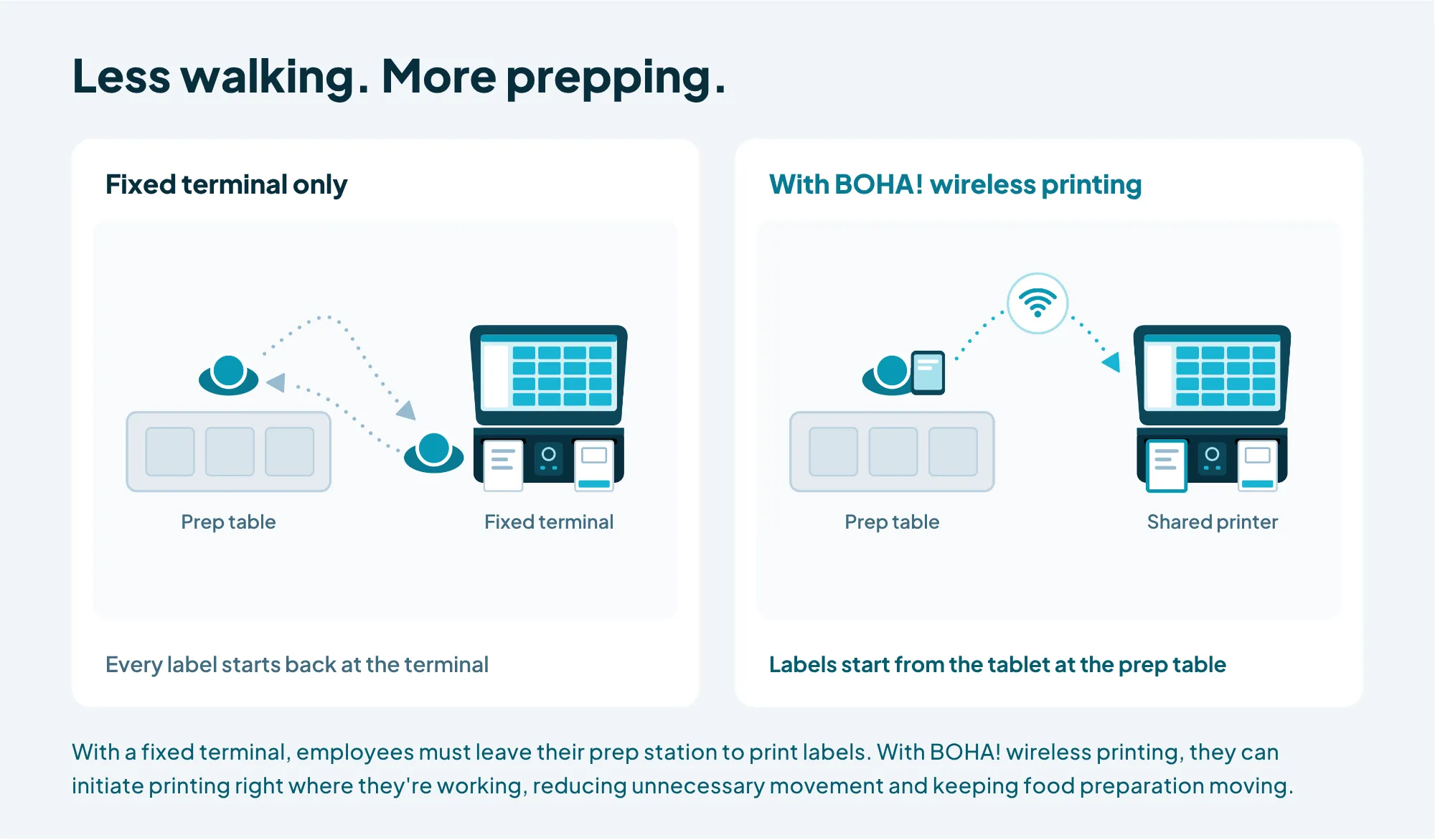
Labeling is where those detours show up most clearly in a typical shift. A cook finishes a batch at one end of the kitchen, walks to the terminal, finds the item, prints the label and walks back. Two other people need labels at the same time, so someone waits at the screen. To save steps, a team member prints a stack of labels at once and matches them to containers later, which is how the wrong label ends up on the wrong pan. None of these moments looks like much on its own, but each one pulls attention away from food preparation and food safety.
With mobile-enabled workflows, the employee selects the item and sends the print from the device in their hand, and the label is waiting at the printer on their next pass. The fixed station stays in the kitchen for the work it does best, but it's no longer where every task has to begin. That's how BOHA! helps remove kitchen chaos: fewer interruptions, and more of the shift spent on the food.
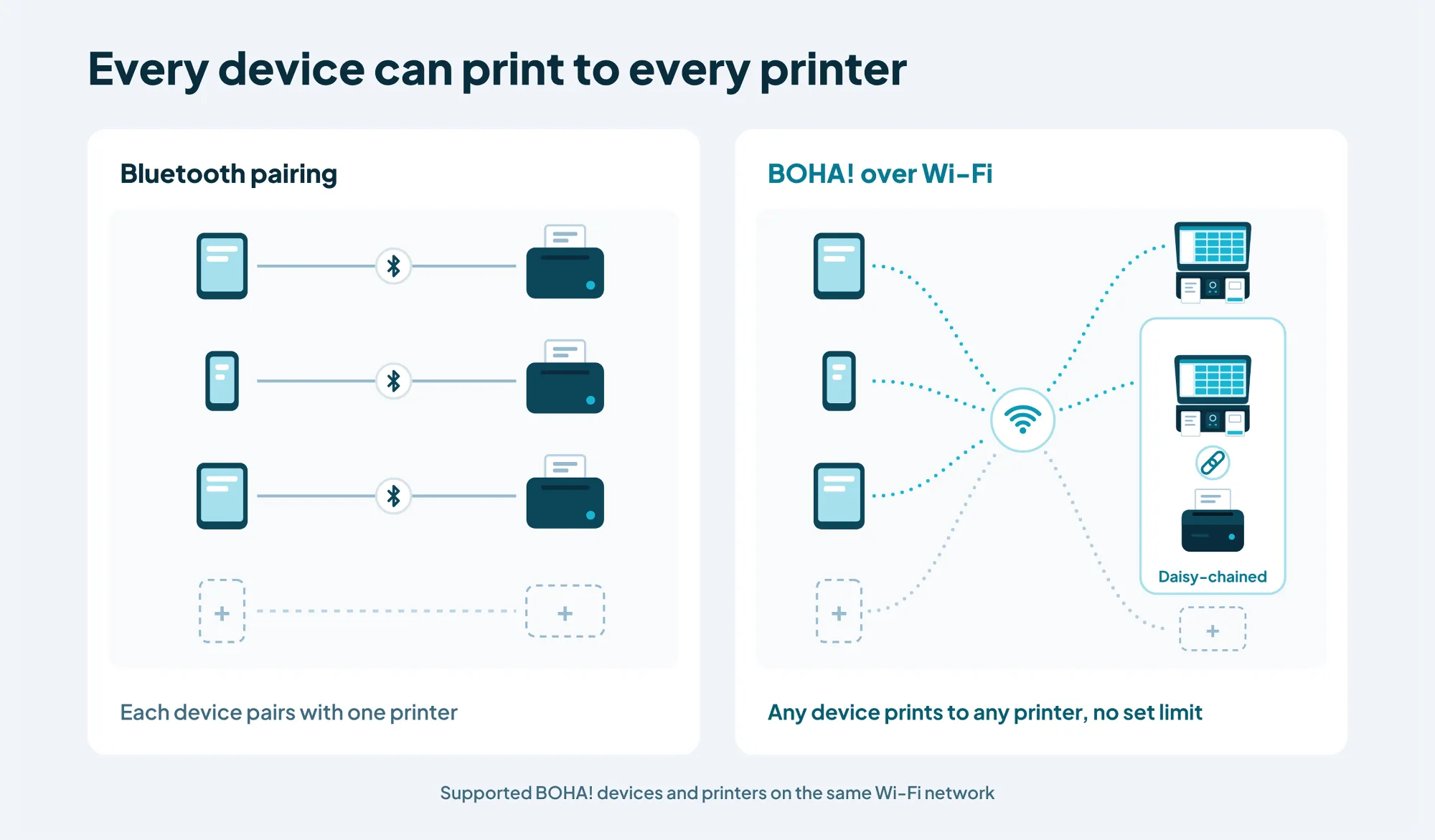
When every device is paired to a single printer, the printer setup and every workflow relying on that equipment is shaped by the hardware instead of the kitchen. BOHA! wireless printing removes that one-to-one limit, so access to printers is flexible, going where the work needs them.
The many-to-many communication happens simultaneously, so every supported device on the network can print to every compatible printer on it. A team of any size can share as many printers as the kitchen needs. Please note that Wi-Fi network needs to be configured to support peer-to-peer connections.
For a multi-unit operator, that flexibility shows up in hardware planning. Instead of matching printers to people, each location can place printers where they're needed and let every supported device on its network use them. A location that needs more capacity for a task like grab-and-go can add a printer that meets the need for more capacity without adding mobile devices.
BOHA! wireless printing sends jobs peer-to-peer over the location's Wi-Fi network rather than through Bluetooth, and that difference is what makes many-to-many printing possible.
Bluetooth pairs one device with one printer. It's simple to set up and works well when one person uses one printer at one station. BUT each pairing is a one-to-one link, and range and interference limit how far apart the two can be.
On a Wi-Fi network, the printer and the mobile devices can all find and talk to each other directly. Any supported device can send jobs to any compatible printer on the same network, no matter how far the tablet is from the printer. For operators running dozens or hundreds of kitchens, that means a printing setup that scales with the team.
Picture one employee moving through a morning prep window with a tablet. Three moments show where BOHA! Ops and wireless printing save the most steps.
At the prep station. With wireless printing and BOHA! Labeling, the employee starts labels from the tablet at the prep table and keeps working, instead of walking to the terminal to send each job.
When a timer starts. A hold timer tracks the exact moment food is finished and is managed right at the station where it was prepared. If a location uses BOHA! Timer with label printing, employees can start and monitor the timer from their tablet while a compatible BOHA! label printer automatically prints the label. The clock and the label reflect the same moment, providing multi-layer support for better food safety.
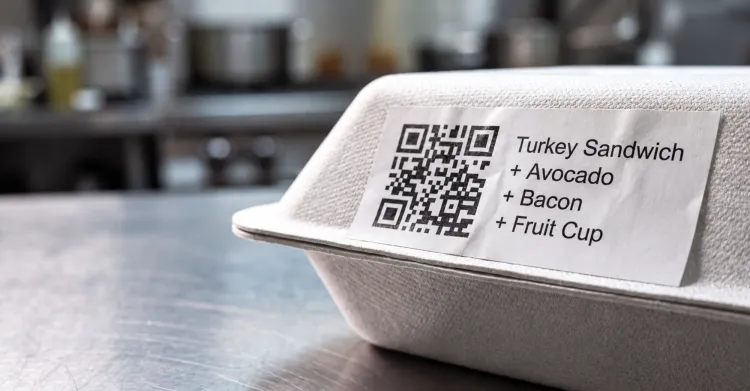
During grab-n-go and other high-volume runs. Employees can send prints from their device to whichever configured printer fits the task and label format.
Between those moments, the same device gives the employee access to the other BOHA! applications their location uses, so checking a temperature or a prep instruction doesn't require a trip back to a fixed screen either.
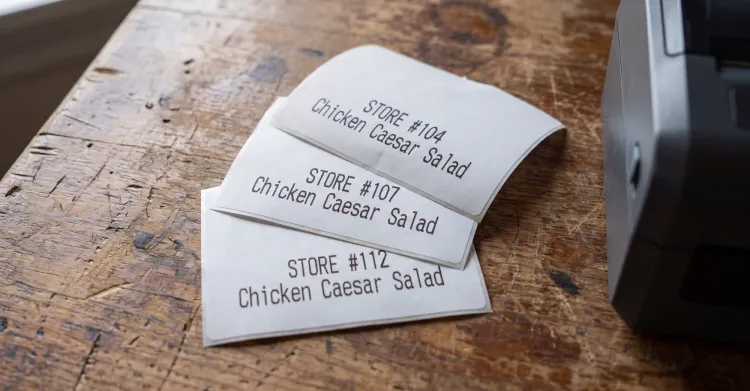
Wireless printing covers the labels teams print every day. Supported BOHA! Labeling workflows can start from a mobile device, including:
Because each device can reach every configured printer, each label type can go to the printer loaded with the right label stock.
More mobility, more productive work. Employees reach BOHA! applications and print labels from where they work, so less of the shift goes to walking between equipment.
Connected workflows, fewer interruptions. BOHA! brings labeling, timers, temperature checks, prep instructions and other operational tasks into one connected platform. With wireless printing, labeling no longer pulls staff away from those workflows, so they can work through more of the shift without breaking focus.
Flexible kitchens, consistent enterprise operations. Operators can configure mobile workflows, shared printers and supporting hardware around the needs of each location while holding every kitchen to the same operational standards. That flexibility helps BOHA! fit kitchens of different sizes and layouts across an enterprise.
Wireless printing sends jobs to compatible BOHA! hardware built for demanding back-of-house environments. Compare each option on the BOHA! label printers page.
Our Terminal 2 vs. WorkStation comparison covers choosing between a fixed station and a detachable tablet. Wireless printing adds a third option to that choice: printers stay where they're needed, and any supported device on the same network can print to them.
Setup happens once per device in BOHA! Ops. After that, printing works the same way it does at the terminal.
Wireless printing is rolling out in phases as BOHA! Terminal 2 firmware and BOHA! Print Service updates reach the installed base. Your BOHA! account team can confirm timing for your locations and help your team get set up.
Current BOHA! customers can email CustomerSuccess@transact-tech.com to get wireless printing set up at their locations or to explore adding an Ithaca 9000. Operators new to BOHA! can explore BOHA! Labeling and our food prep and labeling solutions to see how stations, printers and workflows connect.
They're BOHA! applications for labeling, checklists, timers and temperature checks that run through BOHA! Ops, BOHA! Temp and BOHA! Sense on supported iOS and Android phones and tablets, so employees can work wherever the job is. With wireless printing, they can also print labels from those devices over the location's Wi-Fi network.
Wireless printing sends labels to supported BOHA! Terminal 2 and BOHA! WorkStation configurations. In supported configurations, Ithaca 9000-series printers daisy-chained to compatible Terminal 2 or WorkStation hardware add more printing capacity, label formats and media types.
No. BOHA! wireless printing is peer-to-peer printing over the location's Wi-Fi network. Bluetooth pairs one device with one printer, while Wi-Fi printing lets one printer serve unlimited supported devices and one device connect to unlimited supported printers.
There's no set limit. On the same local Wi-Fi network, one printer can serve an unlimited number of supported mobile devices, and one device can connect to an unlimited number of supported printers.
Yes. Wireless printing adds another way to start a label print, and direct printing at Terminal 2 stays available.
Wireless printing is rolling out in phases across the BOHA! installed base. Current customers can contact their BOHA! account team or email CustomerSuccess@transact-tech.com to confirm timing and get set up.
If a location uses BOHA! Timer with label printing, employees can start and watch timers from a supported mobile device while each timer's label prints on a compatible BOHA! printer.
Get the latest industry insights delivered straight to your inbox
Browse